
Products · Prices · Buying guides
HipoBuy Spreadsheet
Find the product, compare its options, and plan the order from purchase to delivery.


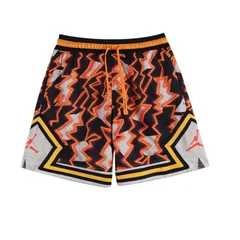
Browse product categories
What is HipoBuy, and how do you order?
HipoBuy is a shopping platform for finding and buying products from China. Your product order, warehouse inspection and international parcel are separate decisions.
This independent spreadsheet brings together 2,429 product references, displayed USD prices and the corresponding HipoBuy purchase links. Use it to compare candidates; confirm the selected option and current charges on the platform before paying.
This is an independent product directory and buying guide. It is not the official HipoBuy website.
- Choose a product and its optionsUse the categories or search, then record the exact item, colour, size and quantity.
- Submit the order on HipoBuyOpen the product’s purchase link, confirm its options and the displayed charges, then pay the product order. Buying guide
- Review the warehouse QCCompare the received item with your saved selection. Resolve a discrepancy or request a useful view before sending it. QC guide
- Choose shipping and pay the freightSelect the items, packing and eligible route for your destination. Review the parcel quote and pay international shipping. Shipping guide
- Track the parcel and check deliveryFollow the carrier events and check the contents and condition when the parcel arrives. Tracking guide
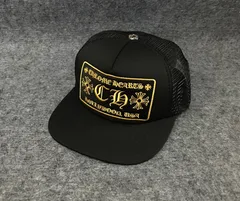 Hats
 Jewelry
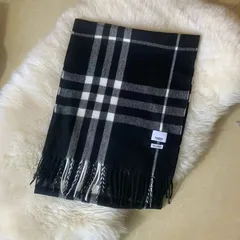 Scarves
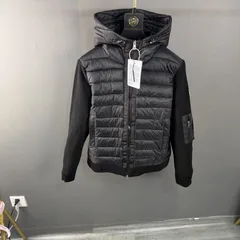 Down Jackets
Understand the platform and this guide
HipoBuy presents itself as a China shopping agent. Product selection, purchasing and international parcel delivery are distinct parts of an agent-shopping process. A product amount alone should not be treated as the complete cost of receiving an order.
Keep each row understandable
For each candidate, record the product reference, chosen option, quantity and intended use. If the image shows multiple pieces, check what the selected option actually includes. An outfit photograph is not necessarily a contents list.
Add a short question that needs answering before you commit. It might concern sleeve length, the included pieces or a measurement definition. That question is more useful than a vague note saying the product looks good.
Use recommendations as information, not instructions
Another shopper's experience may reveal a useful question. Check what item, date and stage it describes before applying it to your own choice. The review guide distinguishes a listing impression from an account of use or delivery.
What a useful spreadsheet entry contains
Look for decisions, not just descriptions
A helpful entry explains what distinguishes an option. It may identify a different cut, included pieces or a relevant measurement. An enthusiastic adjective without supporting detail tells you little about whether the product suits your intended use.
| Look for | Why it matters |
|---|---|
| A recoverable individual link | You can return to the exact candidate. |
| Clear option details | Colour, size and quantity stay attached to the choice. |
| Understandable measurements | You can compare with an appropriate reference garment. |
| Separate cost stages | Item price is not mistaken for delivered cost. |
| A reason for inclusion | The recommendation can be assessed against your needs. |
Try the list on two similar candidates
Take two jackets with a similar appearance. Compare the dimensions that affect your planned layering rather than choosing from their front photographs alone. If one chart is clearer, that makes the fit question easier to investigate; it does not prove better construction or genuine branding.
Remove duplicates and weak alternatives
Different titles can lead to the same product. Compare the reference before treating two rows as independent choices. Where products really differ, keep the reason each remains: another cut, measurement or use.
Decide when the list has done its job
A shortlist is ready for the next stage when you can explain the selected option, its purpose and the remaining question. Follow the shopping guide from there, or return to the HipoBuy spreadsheet overview to reorganise the purchase.